ForgeSprite

AI Sprite Generator for 2D Game Art

Plan: 1 credit · Confirm image cost next

0 / 4000

Reading this tab’s draft…

Examples

The game art agent

Your idea
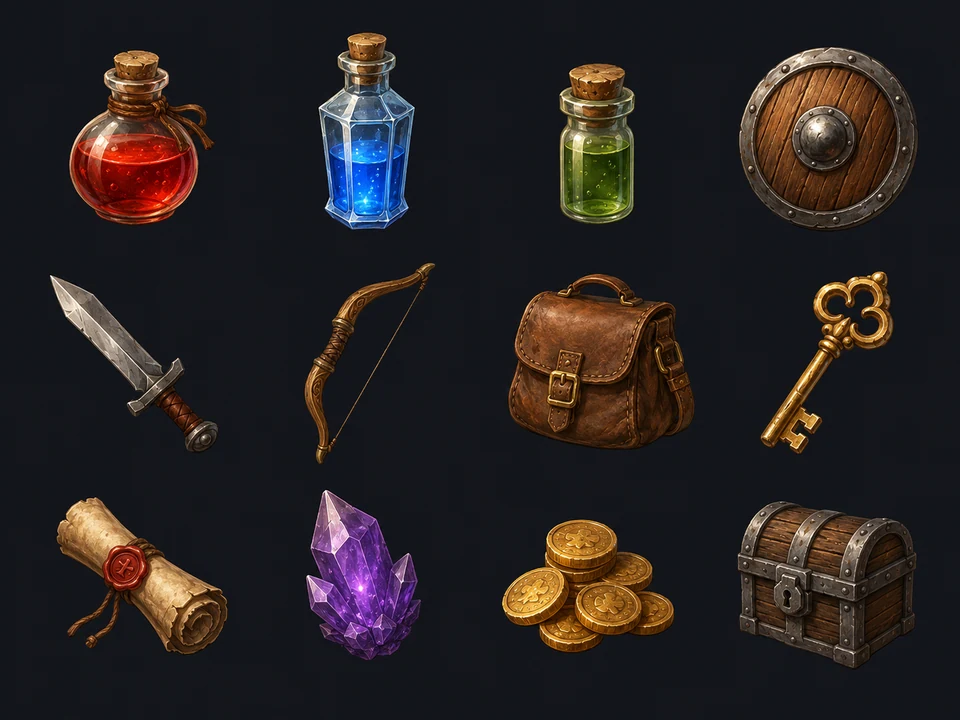
A cohesive set of 8 inventory items for a top-down fantasy RPG: potions, weapons and treasures. Readable silhouettes, a warm hand-painted style.

An inventory with a world of its own.

8-item art board · Preview only

Create and prepare static game sprites

Static sprites from a brief

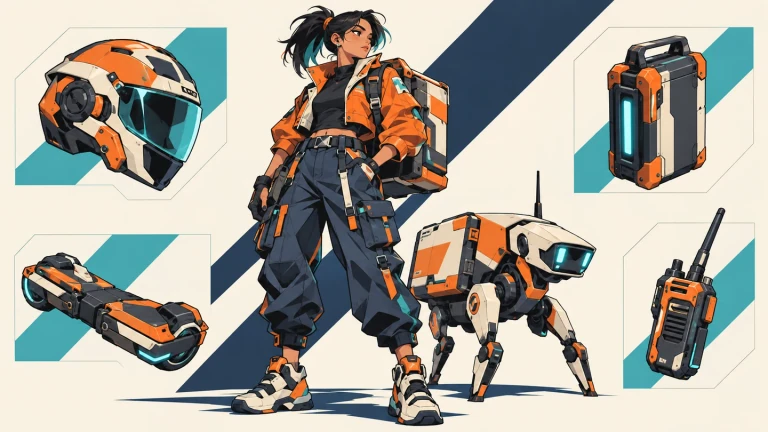
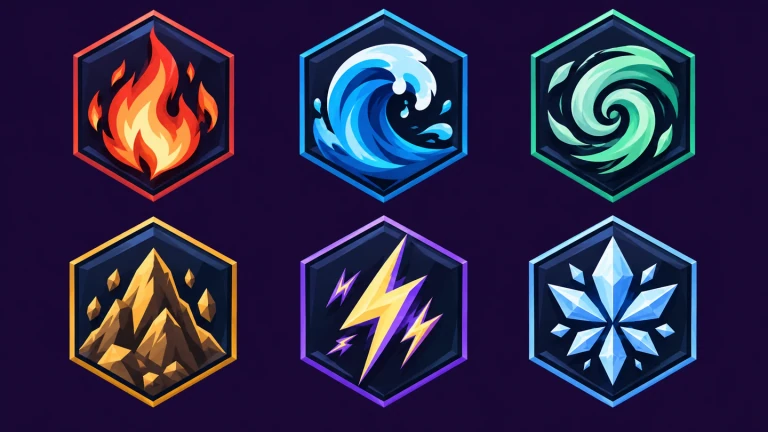
Create props, icons and characters with an optional reference. Start with one subject and review the result.

Read details

Create static 2D props, inventory icons and character images from a brief, with an optional reference to guide the look. Describe one subject per file and how it will appear in your game.

This sprite generator does not promise connected animation frames, matching character directions or seamless tilesets. Review the actual images before using them as game assets.
Review a sample first

Describe the view, palette and game size. Check the plan and credit quote before generating a sample.

Read details

Specify the subjects, viewpoint, palette, outline and intended display size. For example: four separate inventory items—a key, potion bottle, scroll and lantern—with a front view, muted blue and gold, and one sample for review first.

Review the plan and quoted credits before generation. For a set, check the sample’s silhouette, scale and style before continuing. A single-image task can finish with that image; it does not require creating a set.

Turn PNGs into a sprite sheet

Arrange finished frames in a grid or tight layout. Export PNG, frame JSON and ZIP in your browser.

Read details

Already have PNG frames? Use the sprite sheet maker instead of requesting new artwork. Arrange existing images in equal cells or a tight layout, then export the sheet PNG, frame JSON and frame ZIP.

Packing changes image placement, not character motion. Keep the JSON for frame geometry and timing; it is engine-neutral metadata, not a ready-made Unity or Godot importer.

Check art at game size

Inspect pixel edges, dimensions and transparency. A requested size is a design target, not a guaranteed output size.

Read details

For pixel-style art, describe the intended slot size and palette, then inspect the actual PNG. A 32 × 32 or 64 × 64 prompt is a design target, not a guarantee of native pixel dimensions or a strict pixel grid.

The AI pixel art page covers briefs, pixel edges, transparency and import checks. Use the dedicated guide for preparation steps rather than treating a large preview as proof that the asset is ready for your game.

FAQs

A sprite is an individual 2D image used in a game, such as a character, prop or icon. A sprite sheet places several images in one texture, with regions identifying the individual frames. The AI workflow creates static artwork; Sprite Sheet Maker packs PNG files you already have into a grid or tight atlas. Packing several pictures together does not create an animation.

Sprite Sheet Maker

Create a worldWorth exploring

Open studio