Resize pixel art without smoothing
Use the local PNG resizer to enlarge a sprite by an integer factor and download the result.
1. Choose a PNG
Open Pixel art resizer and select Choose PNG. Use a static PNG up to 5 MiB. The tool runs in your browser and does not upload the image. The original and result appear below the controls.
2. Pick an integer scale
Select 2×, 3×, 4×, or 8×. Processing starts automatically. Each source pixel becomes an equally colored square block. The tool enlarges existing detail; it does not reconstruct a higher-resolution drawing.
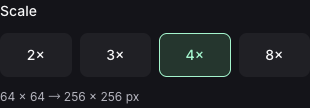
Select 4× to turn the prepared 64 × 64 PNG into a 256 × 256 PNG. Processing starts when you choose the scale. 3. Read the output dimensions
Compare Original and Output. A 64 × 64 PNG becomes 256 × 256 at 4×. Scales that exceed 4,096 px per side or 4,194,304 output pixels are disabled. The preview may fit the screen; the dimensions describe the downloaded file.
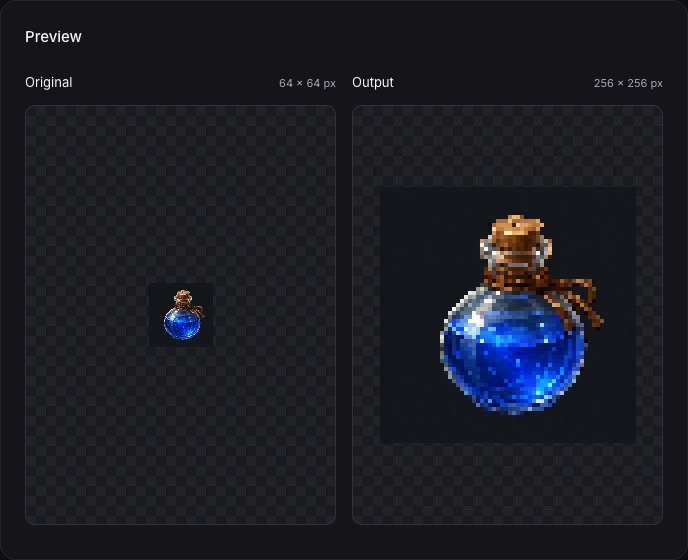
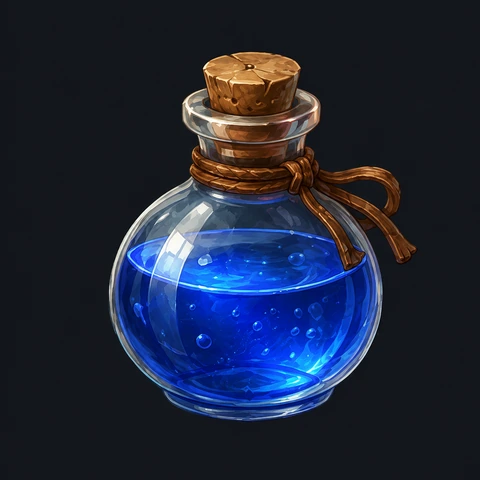
Actual local 4× output from the prepared PNG. Original: 64 × 64 px; output: 256 × 256 px. The dark square is part of this opaque source image. 4. Download the PNG
When Ready to download appears, select Download PNG. Use Open PNG to inspect it in another tab. Keep the original file for later changes. Opening Studio is optional and does not automatically carry this image into a project.
Try a prepared image
Download the prepared 64 × 64 blue potion below, then choose it in the resizer and select 4×. It is an opaque example PNG derived from existing AI-generated artwork, not a transparent game-ready sprite or a live model result.
Download the prepared 64 × 64 PNGIf you need to try again
Choose another file to replace the image, or select a different scale to recompute. An error removes the old download. Use Retry if processing stops; for unsupported formats, export a supported static PNG first.