Create pixel art assets
Write one brief for a small set of props or icons, then review a sample before continuing.
1. Describe the set
Open AI pixel art generator. Name the items, viewpoint, palette, and intended use. Keep the first set small so you can compare every item. A requested slot size is a design target; check the actual exported dimensions.
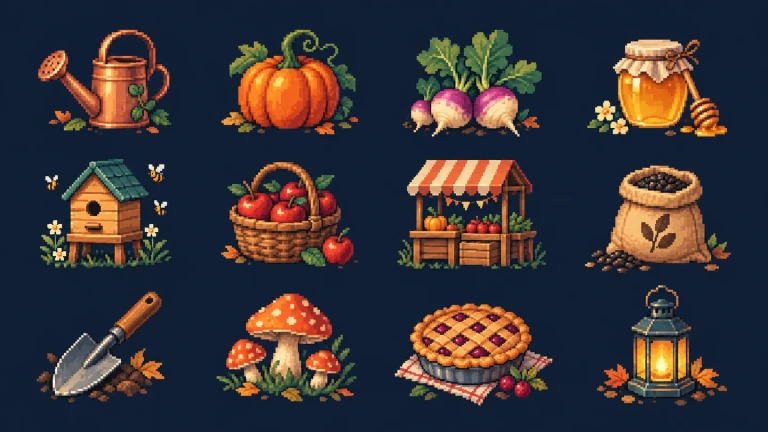
Prepared artwork example. Use a small group of objects like these to describe a shared viewpoint, outline, and palette. 2. Add a reference and send
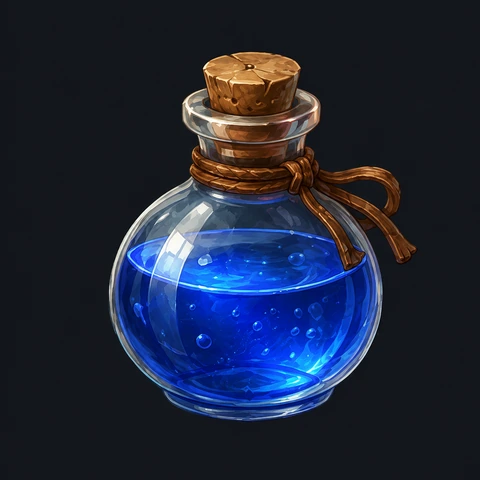
Use Add reference for an existing image, then wait for its preview. Select Send. Your brief and reference continue in Studio; sign in when prompted. An example prompt fills an empty draft and never starts generation by itself.
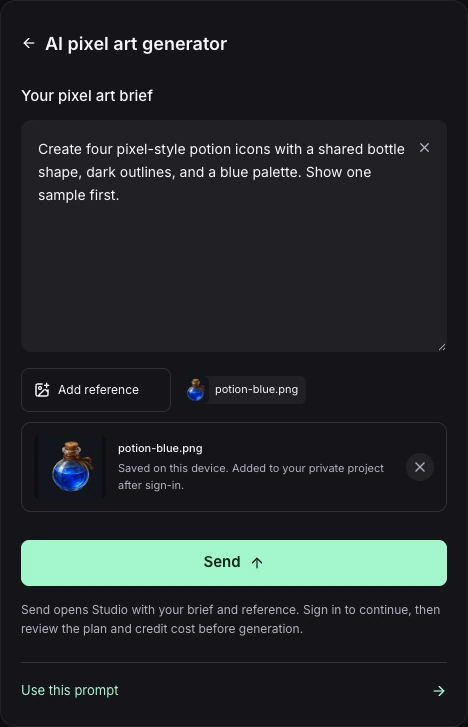
Prepared demonstration: a brief and reference are ready to continue in Studio. Send has not been selected; this is the input stage. 3. Review the plan and sample
Read the proposed work and quoted credits before confirming. When a sample is ready, compare its silhouette, outline, palette, and lighting with your reference. Describe a concrete correction before approving the remaining items.
4. Check the files in your game
Open each result in Assets and inspect the PNG. Check transparency and dimensions, then test readability at the intended display size. Keep earlier versions while you compare changes.
Example brief
Create four separate pixel-style inventory icons: a watering can, seed sack, lantern, and pumpkin. Use a three-quarter view, warm autumn colors, dark outlines, and light from the upper left. Keep each object centered with clear padding. Show one sample first.
If you need to try again
If a reference cannot be saved, use Retry beside the upload or choose it again before leaving. If generation is unavailable, keep the draft and return later.